
Will Not Turn On or Charge
The laptop is completely unresponsive, runs only on the charger, loses power, or does not recognize its power adapter.
Laptop Repair · Vancouver, WA
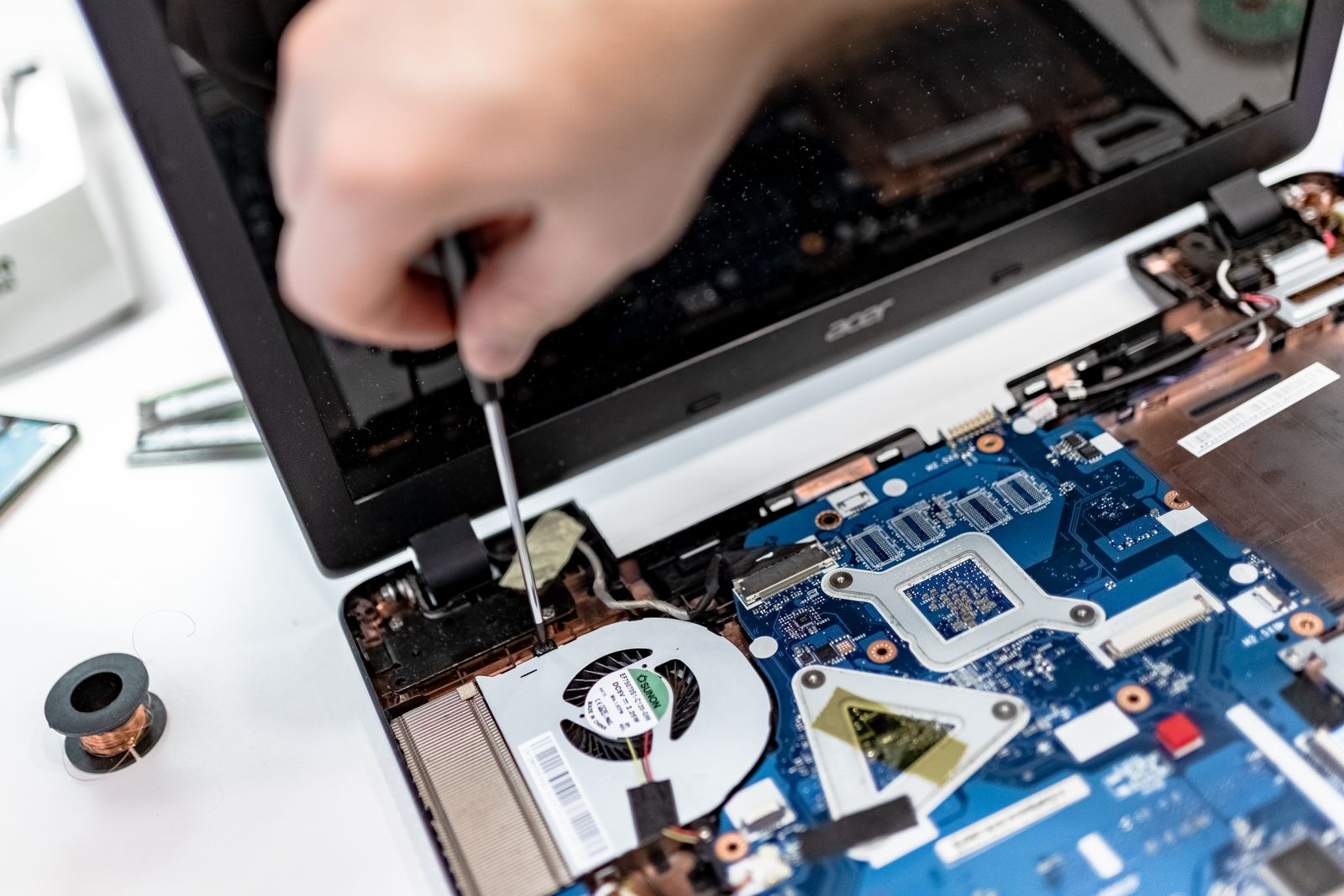
Laptop repair at i-5 Computers starts by diagnosing startup, charging, screen, keyboard, battery, overheating, storage, and performance problems at the Vancouver shop. Darren Moline explains what failed, what can be repaired, and whether the work makes sense for the laptop before you decide how to proceed.
Start With the Symptom
You do not need to identify the failed part before visiting. Describe what the laptop does, when it happens, and what changed before the problem began.
The laptop is completely unresponsive, runs only on the charger, loses power, or does not recognize its power adapter.
The display is broken, dim, lined, distorted, black, or changes when the lid moves.
Keys stick, repeat, type incorrectly, or stop responding; the trackpad may click or move unpredictably.
Fans stay loud, the case becomes unusually hot, performance drops, or the laptop turns off under load.
Startup takes too long, applications hang, Windows or macOS loops, or the laptop repeatedly crashes.
The drive disappears, errors appear, files will not open, or the laptop no longer reaches the desktop.
One Symptom · Several Possibilities
Laptop parts share power, cooling, storage, display, and data connections. Testing helps avoid replacing the wrong component.
These are diagnostic possibilities, not a remote diagnosis. The exact model, history, and test results determine the sensible repair path.
Firsthand Workshop Checks
Tests are selected around the reported symptom. Not every laptop needs every test, and findings are explained before a repair recommendation is made.
Check the adapter, battery behavior, charging connection, startup response, and relevant internal power path.
Review drive health, boot behavior, available space, and memory stability when slowness, errors, or crashes point there.
Inspect fans, vents, dust, airflow, and temperature behavior when the laptop runs hot, throttles, or shuts down.
Separate a failed panel, cable, keyboard, trackpad, or connector from a graphics, power, setting, or software problem.
Investigate startup files, updates, drivers, applications, malware, and background activity that can imitate hardware failure.
Compare the likely repair with the laptop’s age, condition, compatible parts, expected performance, and the importance of its data.
Model-Specific Service
Repairability varies by manufacturer, exact model, construction, damage, and part availability. Bring the complete laptop and its correct power adapter.
Everyday home, school, and business laptops with power, startup, storage, display, input, heat, or performance symptoms.
Portable gaming systems affected by heat, crashes, low performance, display trouble, storage, memory, or power behavior.
MacBook models with startup, macOS, storage, battery, display, keyboard, overheating, or performance concerns. Options depend on the exact model.
Clear From Start to Finish
Share the symptoms, timing, error messages, recent changes or damage, and anything you have already tried.
Darren identifies the exact laptop and tests the systems most likely to be causing the reported behavior.
You receive a plain-English explanation of the findings, practical repair paths, data considerations, and estimate.
Approved work is completed, then the affected functions are checked before the laptop is returned.
No One-Price-Fits-All Promise
A laptop’s symptom alone does not reveal the final cost or completion time. i-5 Computers evaluates the device first and explains the estimate before approved work proceeds.
Intermittent faults and tightly integrated designs can require more time to reproduce, open safely, and isolate.
Screen, keyboard, battery, fan, cable, and top-case pricing depends on the precise configuration and compatible part.
An in-stock component and a model-specific part that must be ordered create different timelines.
Liquid, impact, hinge, connector, or multi-part damage can change the repair after the laptop is inspected.
File recovery, data transfer, operating-system repair, updates, and software setup add different work from a component swap.
Startup, charging, temperature, display, input, and stability checks depend on the problem that brought the laptop in.
Owner-Operated · Local Since April 2009
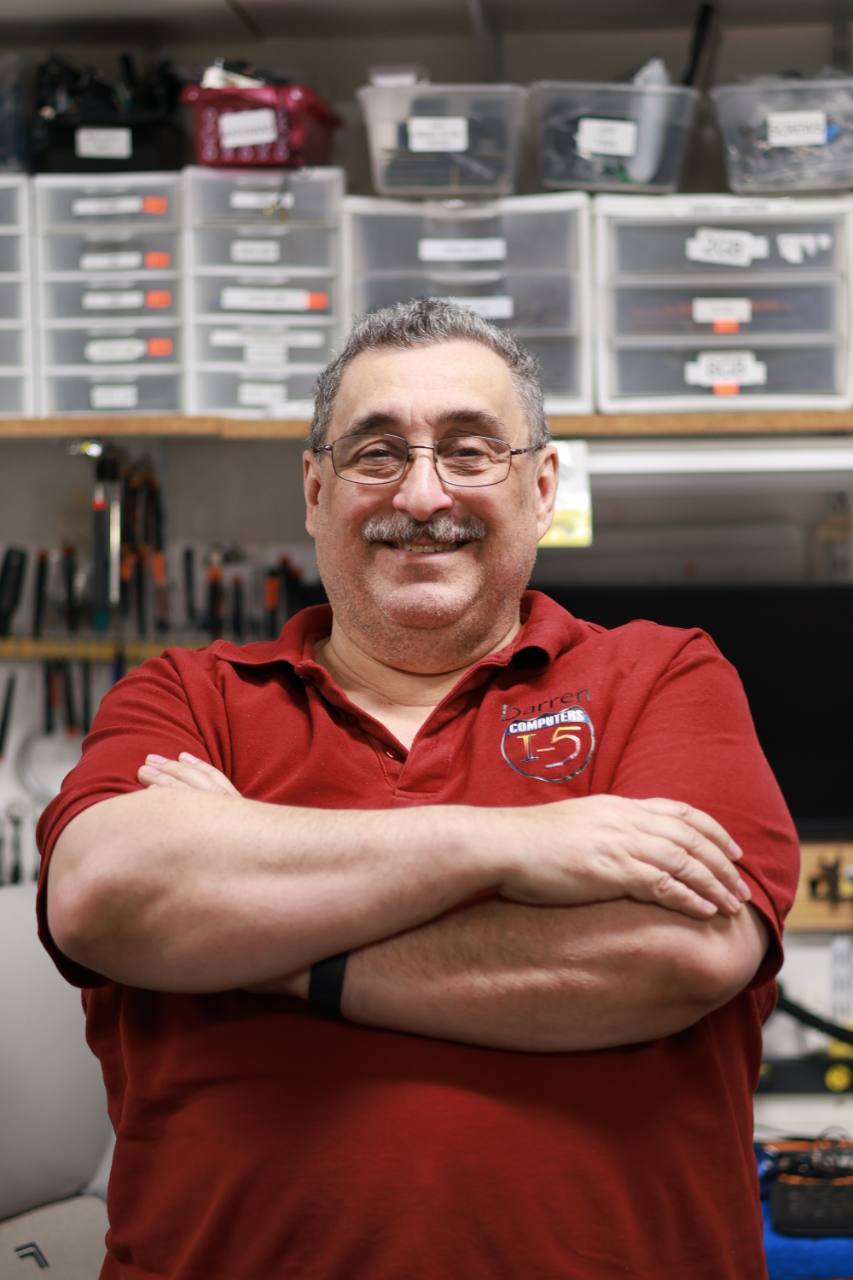
Darren owns and operates i-5 Computers and has served Vancouver-area computer owners since April 2009. His approach is practical: listen to the symptom, test the likely causes, explain the findings in plain English, and recommend the option that fits the laptop and the customer’s priorities.
Customers bring laptops to the D Street shop from Vancouver, Hazel Dell, Salmon Creek, Orchards, Camas, Washougal, Battle Ground, Ridgefield, and communities throughout Clark County.
Meet Darren and learn about his repair approach.
1801 D St #6, Vancouver, WA 98663Related Laptop Help
Laptop Repair FAQs
i-5 Computers evaluates power, charging, battery, screen, keyboard, trackpad, storage, memory, cooling, startup, operating-system, malware, and performance problems. Available repairs depend on the exact model, failure, compatible parts, and whether the work is practical.
Cost depends on the diagnosis, exact model, replacement part, disassembly, damage, data needs, and work required. After the laptop is evaluated, Darren can explain the findings and estimate before approved work proceeds.
Timing depends on how quickly the problem can be reproduced, the repair involved, part availability, and the checks needed afterward. An intermittent issue or ordered model-specific part can take longer than a straightforward in-stock repair.
Many hardware repairs do not require erasing the storage drive, but every repair carries some risk and operating-system or storage work may affect data. Back up important files when possible and identify irreplaceable data before testing begins.
The better choice depends on the laptop’s age, overall condition, repair cost, parts, expected performance, and how well it still fits your needs. Darren can explain whether repair, a focused upgrade, or replacement appears more practical.
Bring the complete laptop and its correct power adapter. Include any accessory involved in the problem and note error messages, recent changes, liquid or impact damage, and the steps that reproduce the symptom.
Laptop Repair · Vancouver, WA
Tell Darren what the laptop is doing, bring its power adapter, and mention any important files before testing. i-5 Computers will diagnose the problem and explain the practical options.
Helpful Next Step
Laptop repair for short battery life, charging trouble, loud fans, heat, and sudden shutdowns starts by identifying the actual cause. Stop using a laptop immediately if its battery is swollen or separating the case.